
ZentBuy Spreadsheet
Explore 12 categories, from sneakers and streetwear to bags and electronics. Each featured find includes a photo, a dated USD estimate and the original reference price in CNY.
How to use the spreadsheet
- Find an item
Pick a category or search by brand or model.
- Open the matching listing
Choose View Product to check available sizes, colors and buying options.
- Check the total before you order
Compare the current item price and the shipping quote.
ZentBuy Spreadsheet Categories
Featured ZentBuy Winter Finds
Compare boots, puffer jackets, fleece layers and a few accessories. Each card shows a dated USD estimate and CNY reference price. Select View Product to check the current listing.
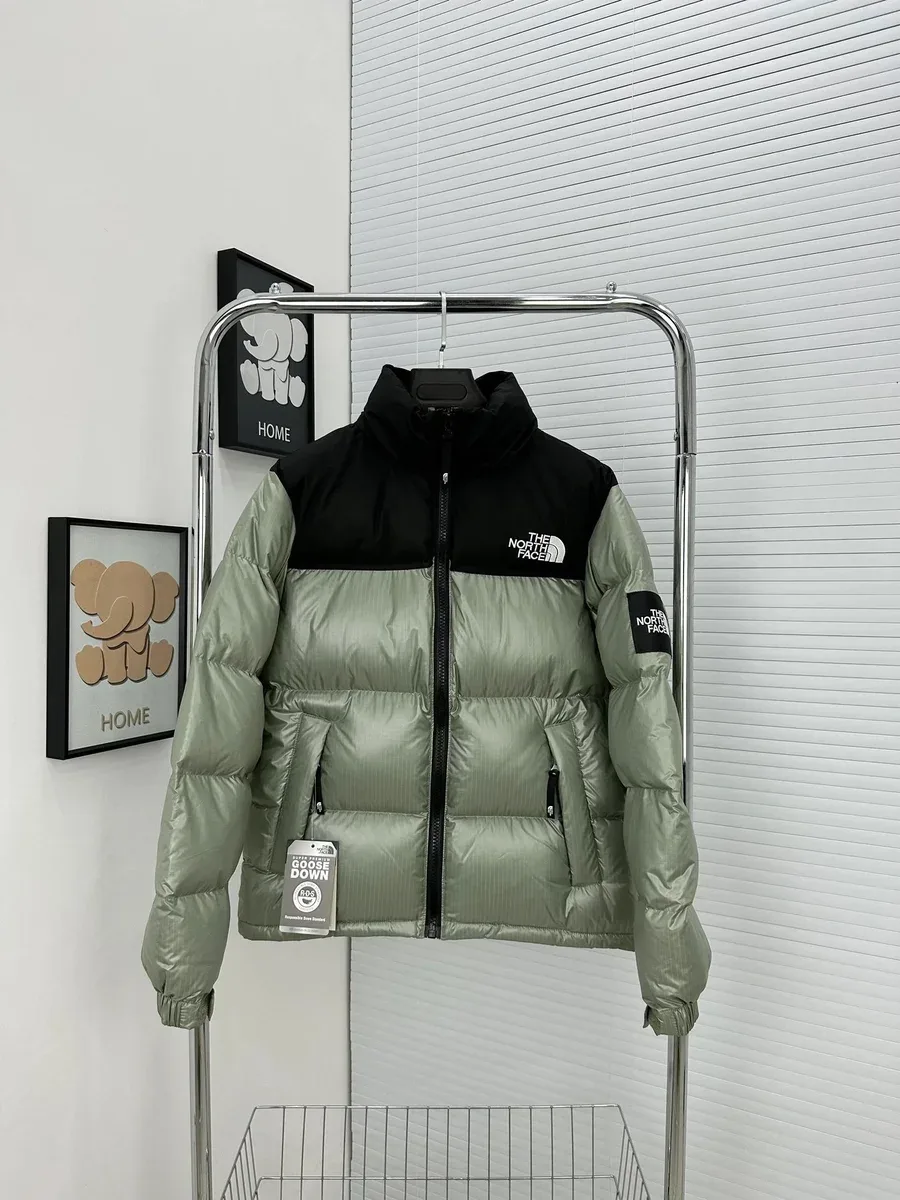
The North Face Nuptse Sage/Black Puffer
Check chest width over your usual midlayer.
$59.17USD estimate · CNY ¥426Recorded
View Product
Timberland 6-Inch Premium Wheat Boots
Compare insole length with a pair you wear with thick socks.
$29.17USD estimate · CNY ¥210Recorded
View Product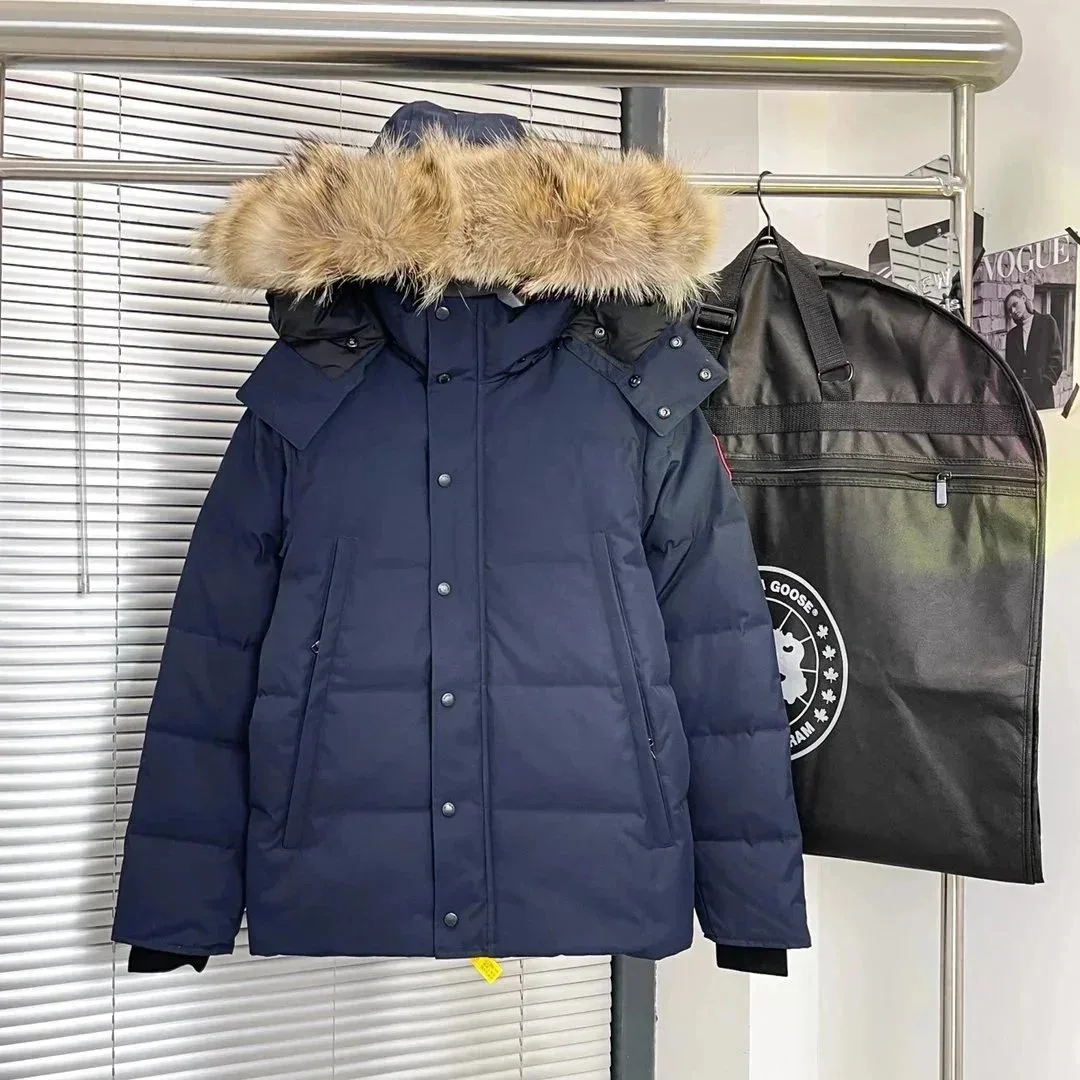
Canada Goose Expedition Navy Parka
Check the coat length and shoulder room.
$44.72USD estimate · CNY ¥322Recorded
View Product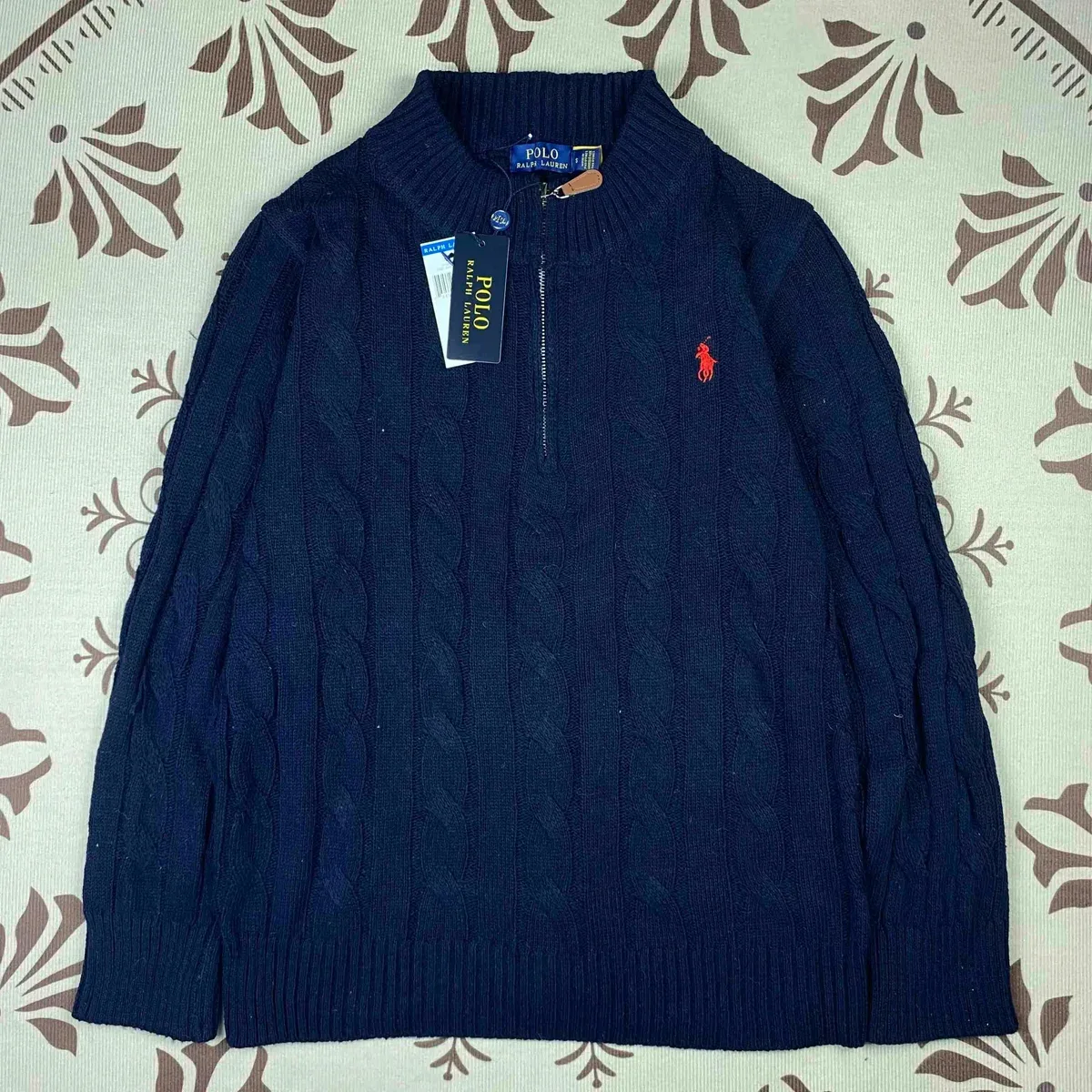
Polo Ralph Lauren Navy Cable-Knit Half-Zip
A cable-knit layer for under a coat or over a shirt.
$26.25USD estimate · CNY ¥189Recorded
View Product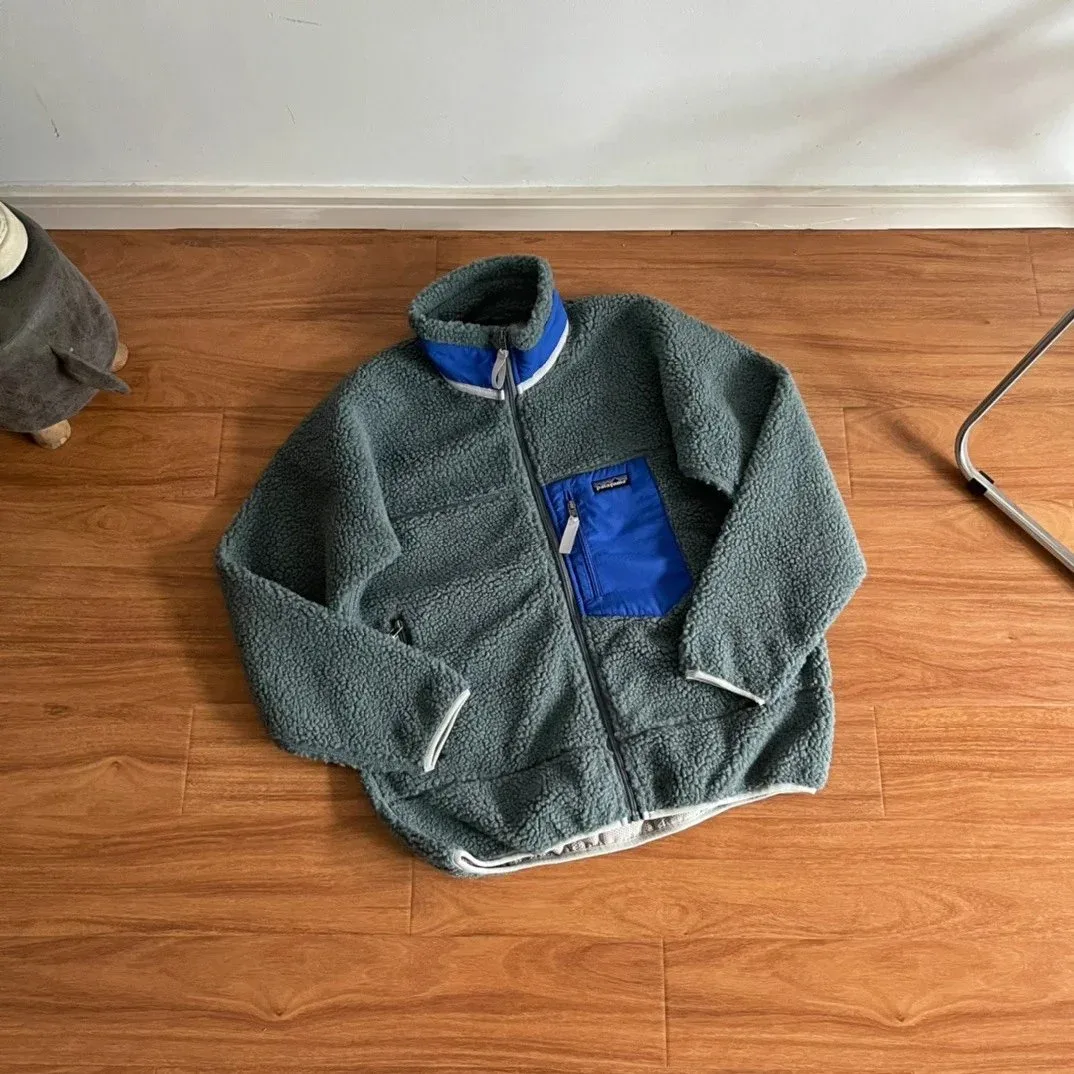
Patagonia Synchilla Grey/Blue Fleece
Compare sleeve length and hem width for layering.
$41.25USD estimate · CNY ¥297Recorded
View Product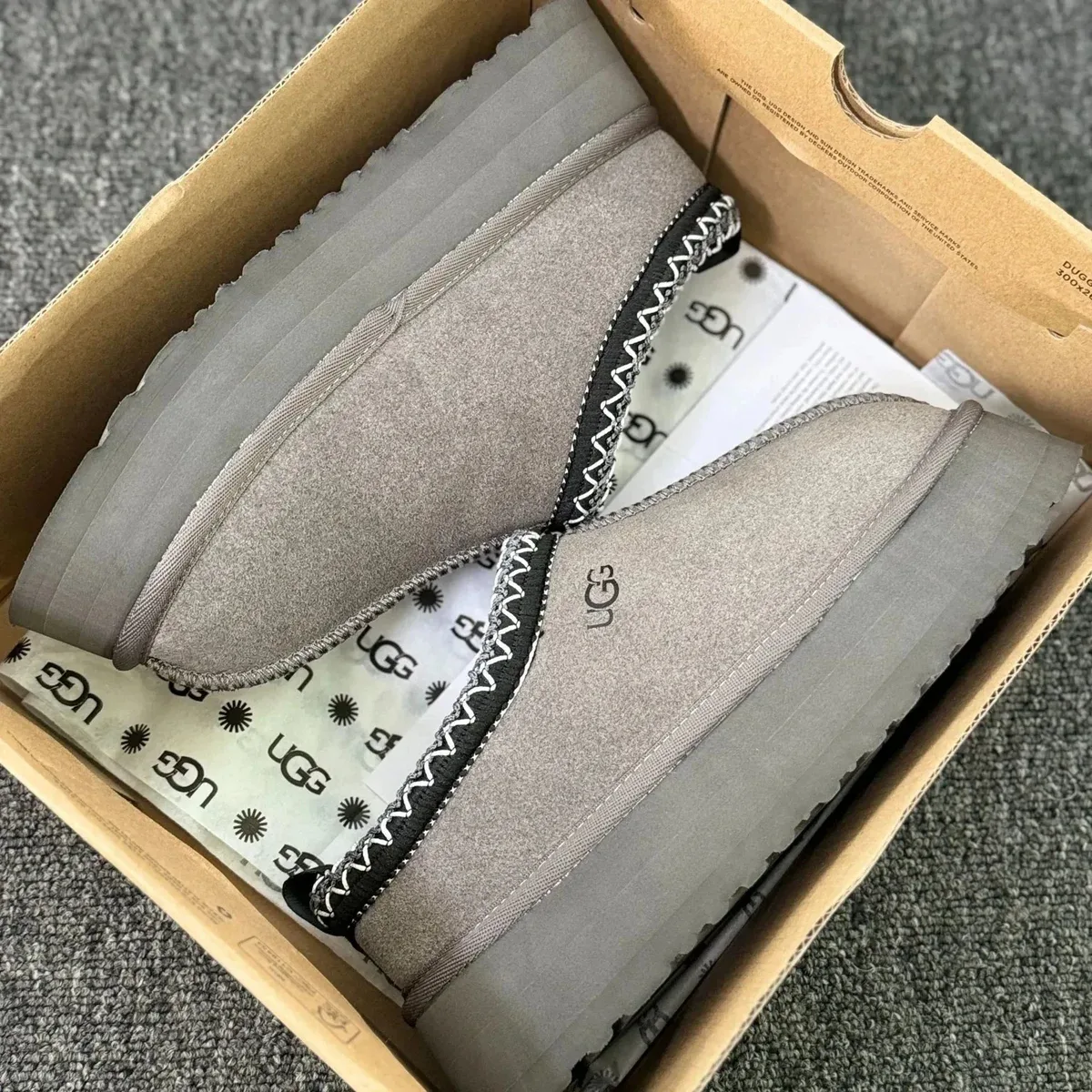
UGG Classic Short Charcoal Thick-Sole Boots
Check shaft height and room across the instep.
$41.11USD estimate · CNY ¥296Recorded
View Product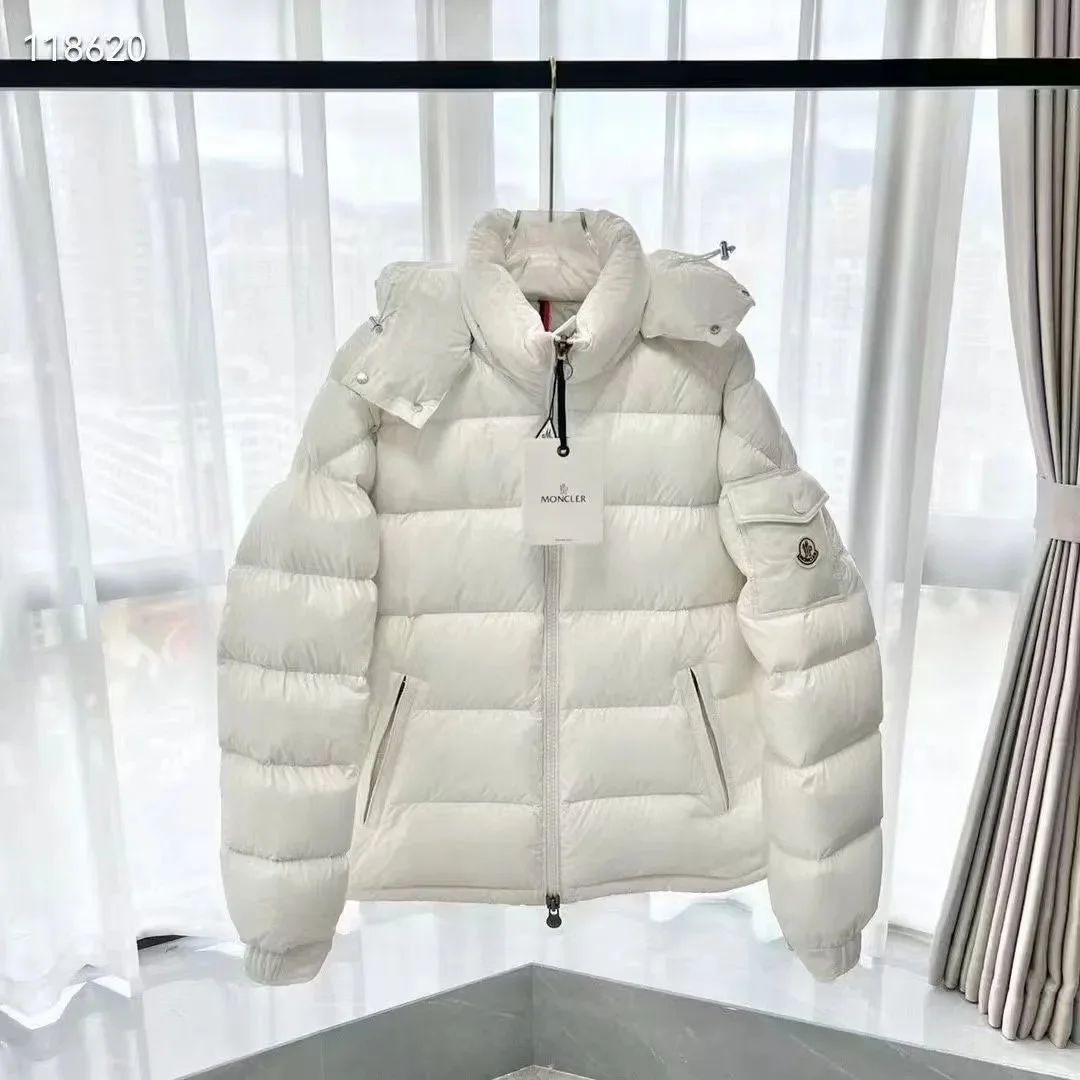
Moncler Maya White Puffer Jacket
Review the selected size and hood details.
$49.72USD estimate · CNY ¥358Recorded
View Product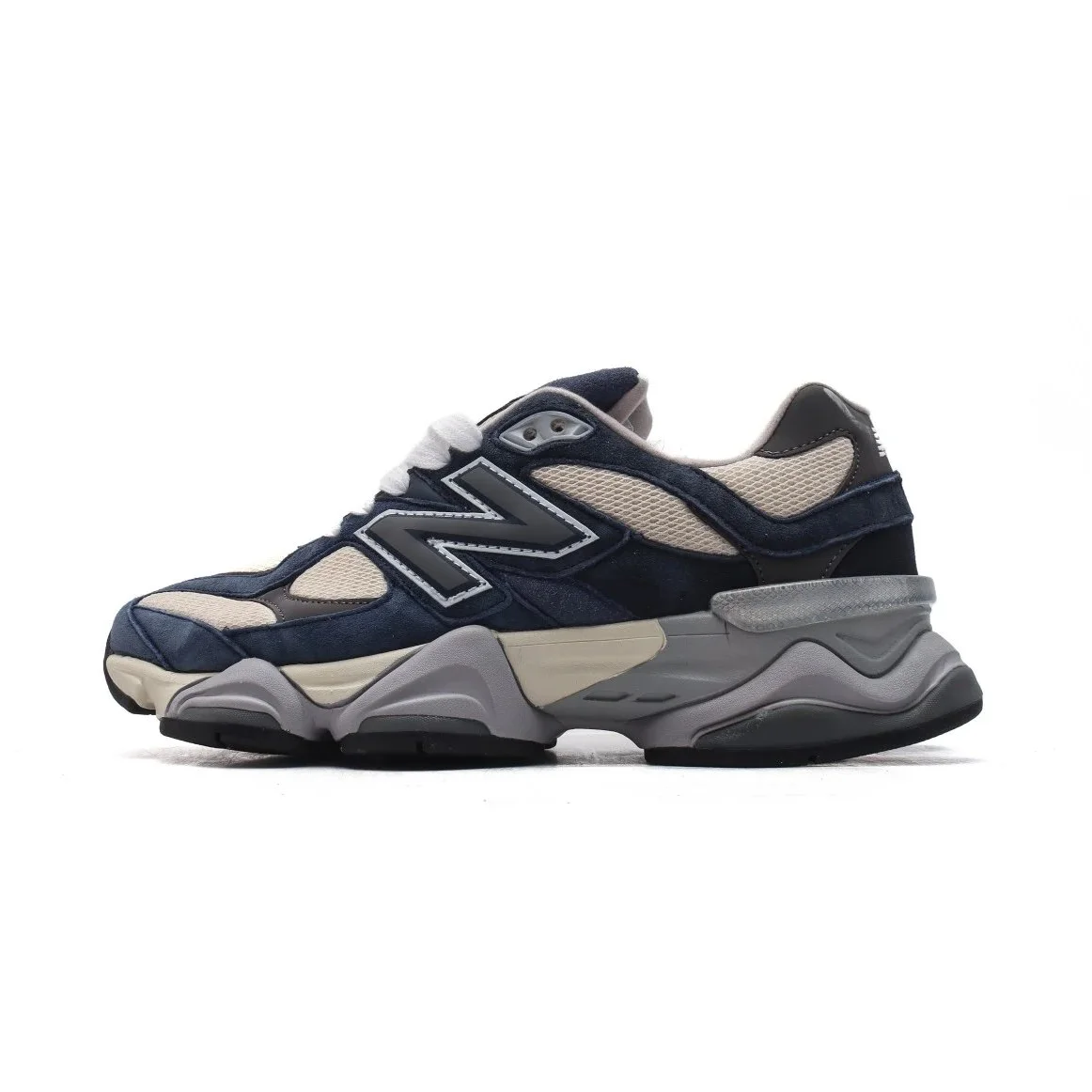
New Balance 9060 Navy/Beige/Grey Sneakers
A chunky sneaker for dry days and relaxed trousers.
$50.00USD estimate · CNY ¥360Recorded
View Product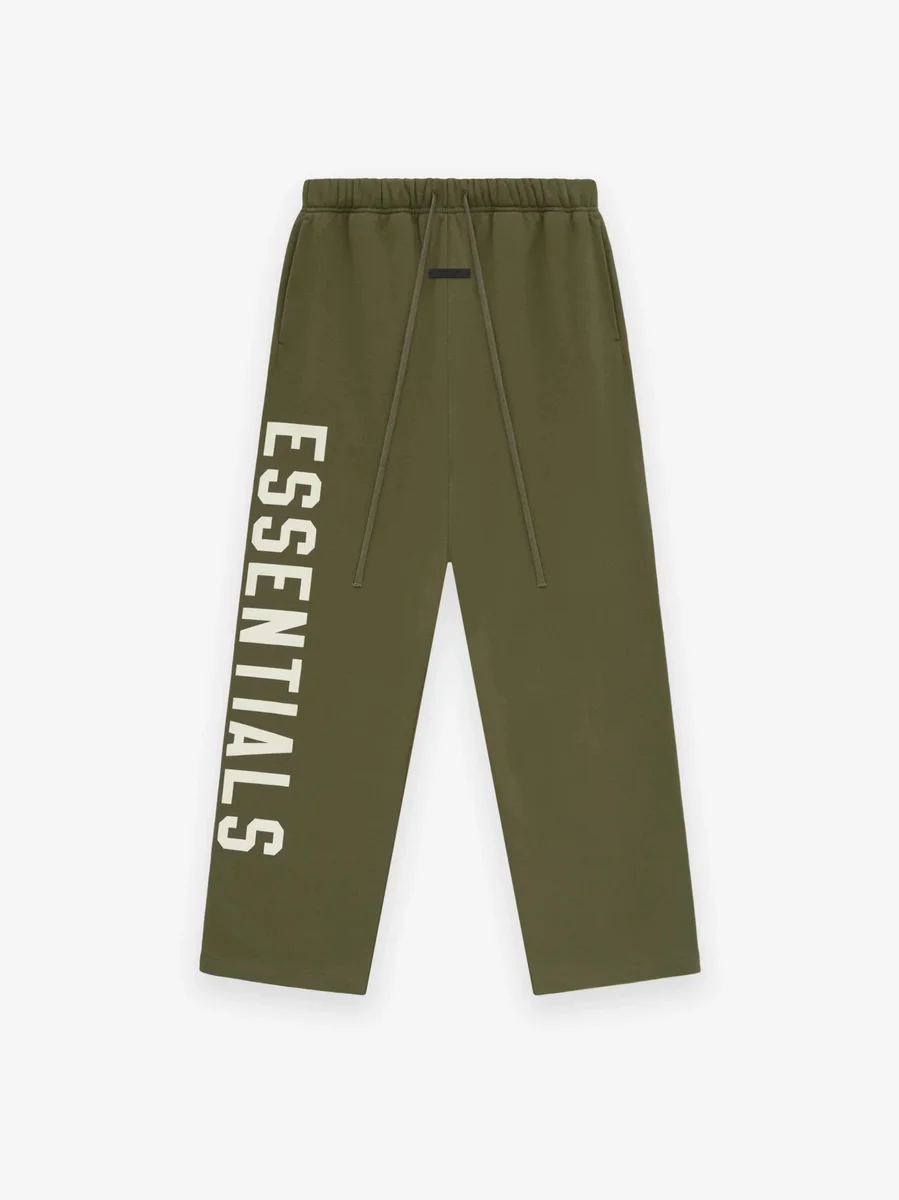
Fear of God Essentials Evergreen Sweatpants
Compare the relaxed waist and inseam.
$33.61USD estimate · CNY ¥242Recorded
View Product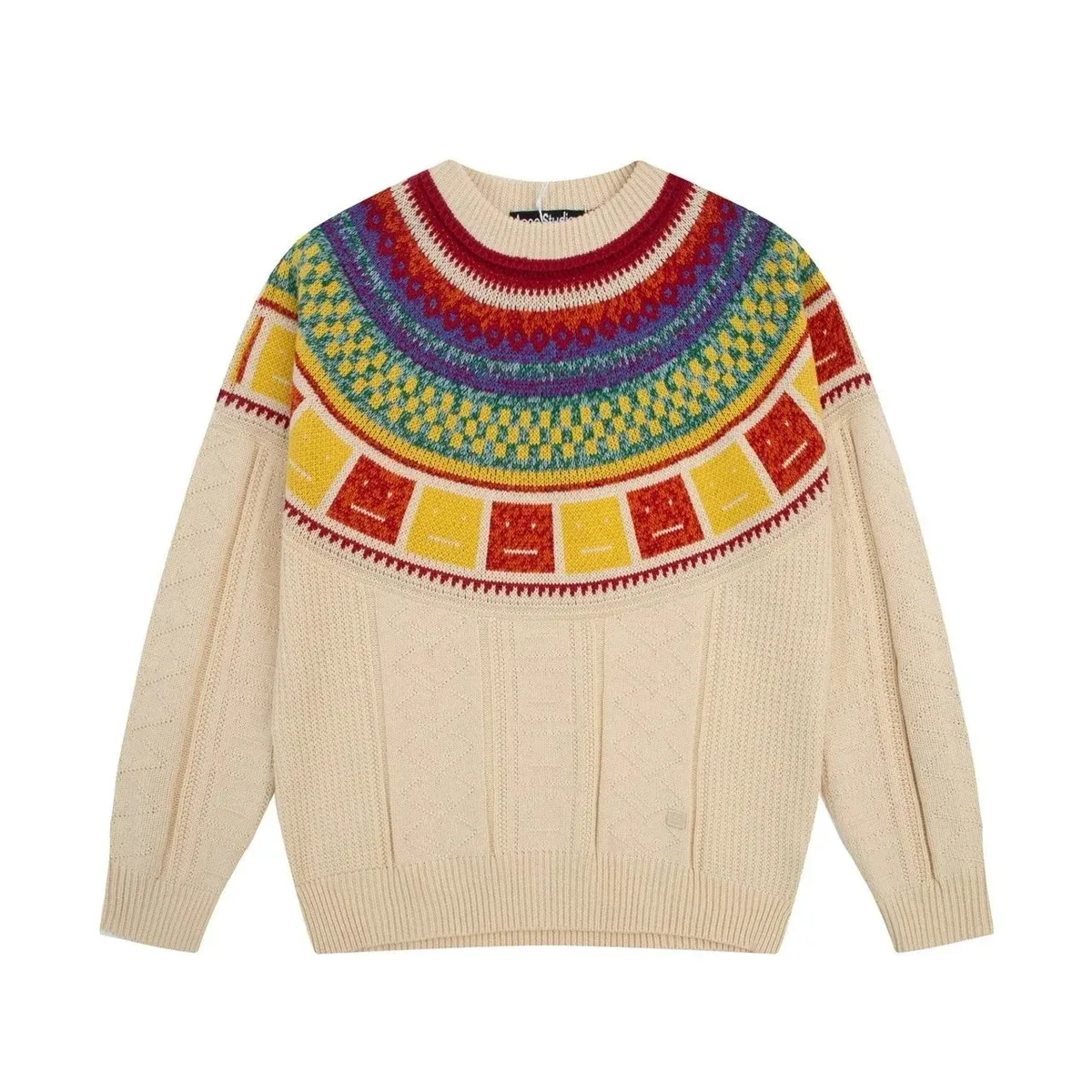
Needles Apricot Fair Isle Sweater
A patterned knit to pair with a plain coat.
$26.11USD estimate · CNY ¥188Recorded
View Product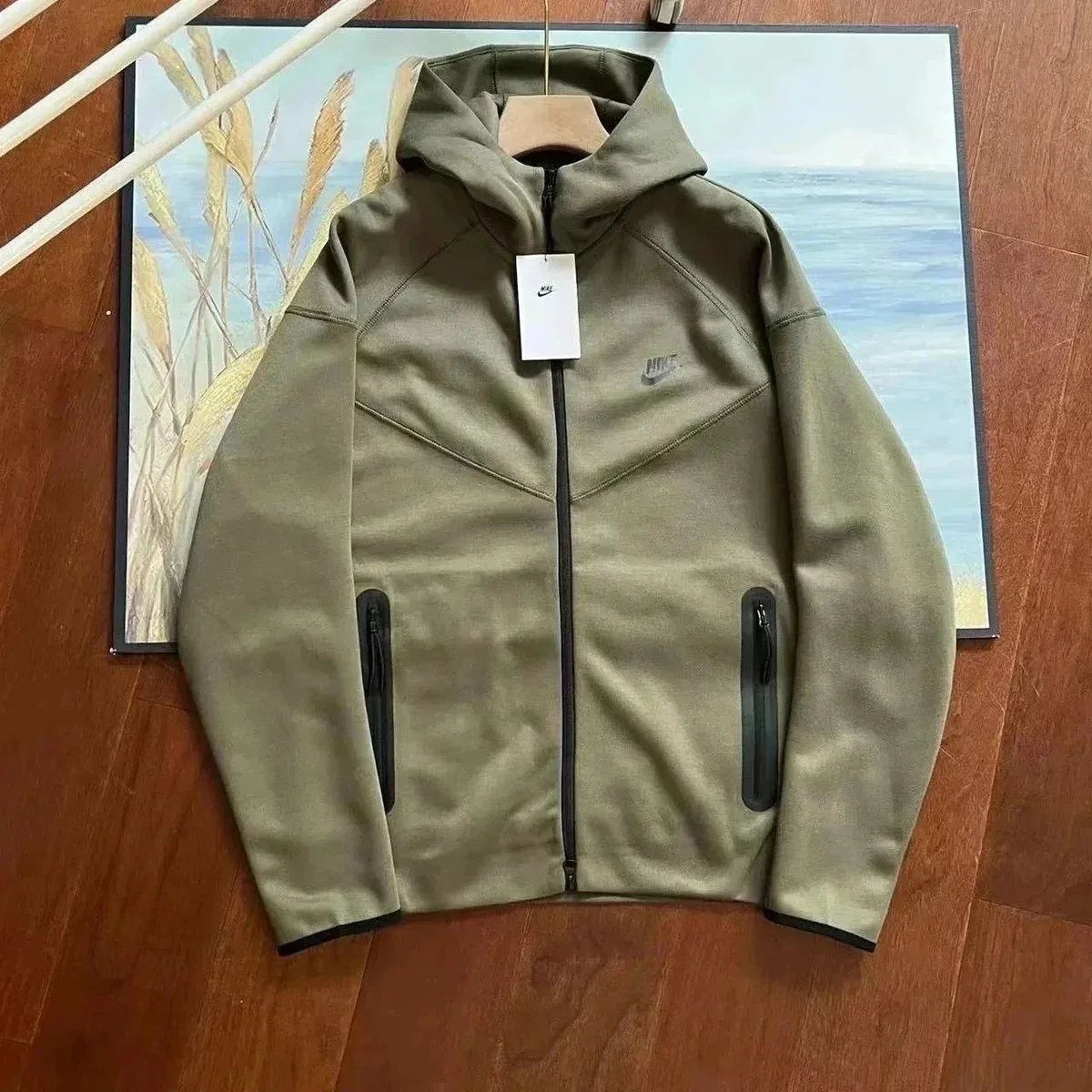
Nike Tech Fleece Olive Zip Hoodie
A zip layer to wear under a roomier jacket.
$46.25USD estimate · CNY ¥333Recorded
View Product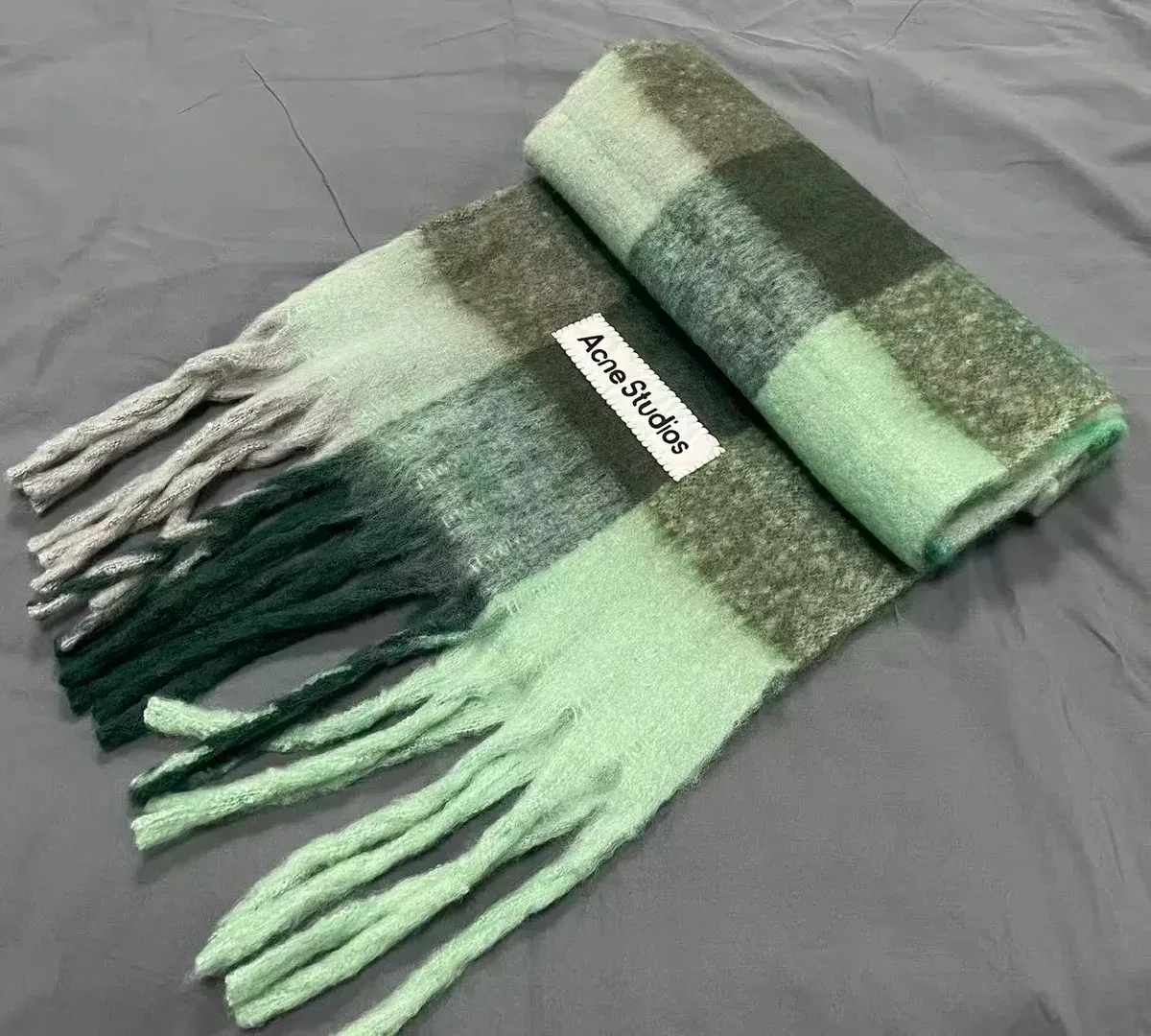
Acne Studios Mint/Grey Check Scarf
Check the scarf length if you like to wrap it twice.
$16.53USD estimate · CNY ¥119Recorded
View Product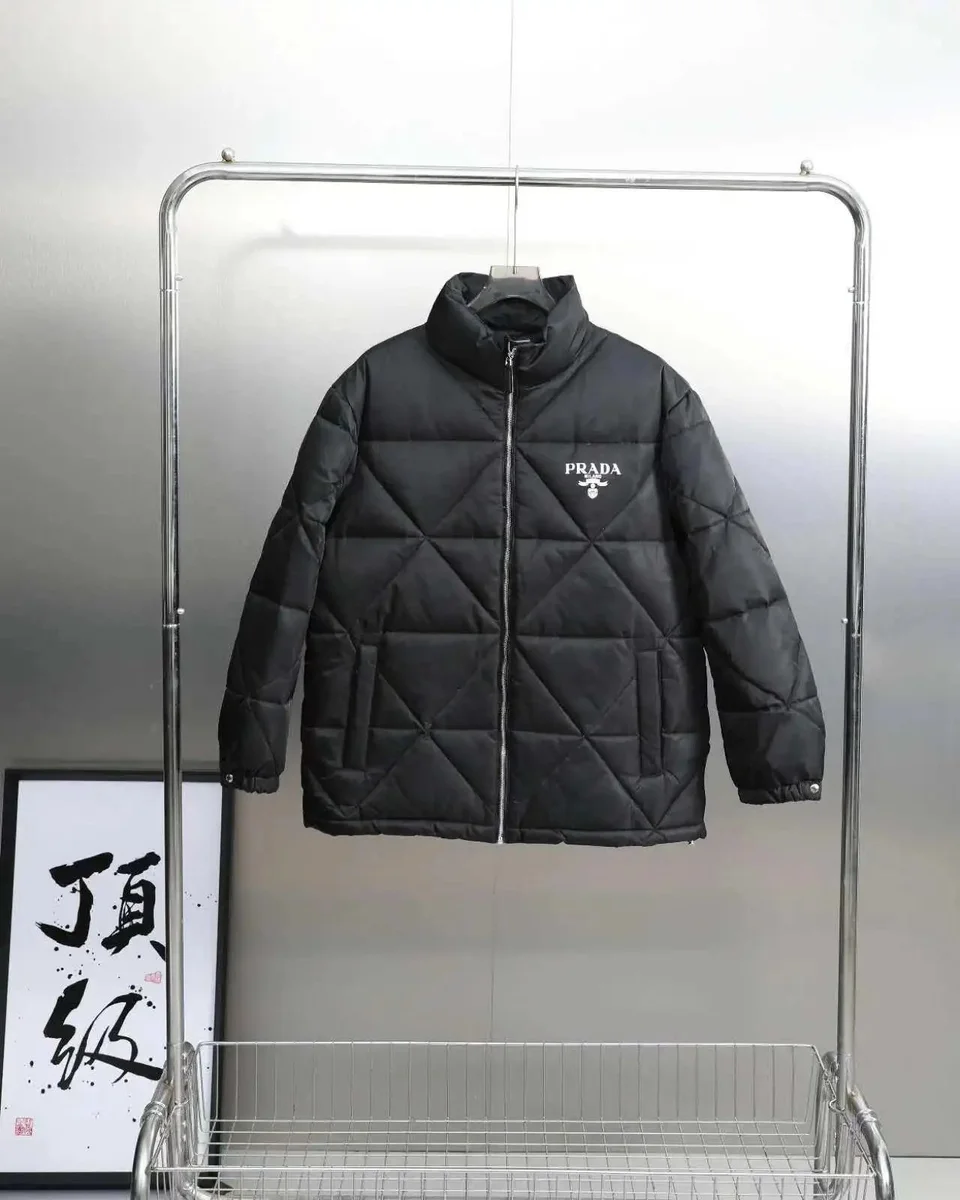
Prada Black Diamond-Quilted Puffer
Check the hem position and room for a knit underneath.
$65.42USD estimate · CNY ¥471Recorded
View Product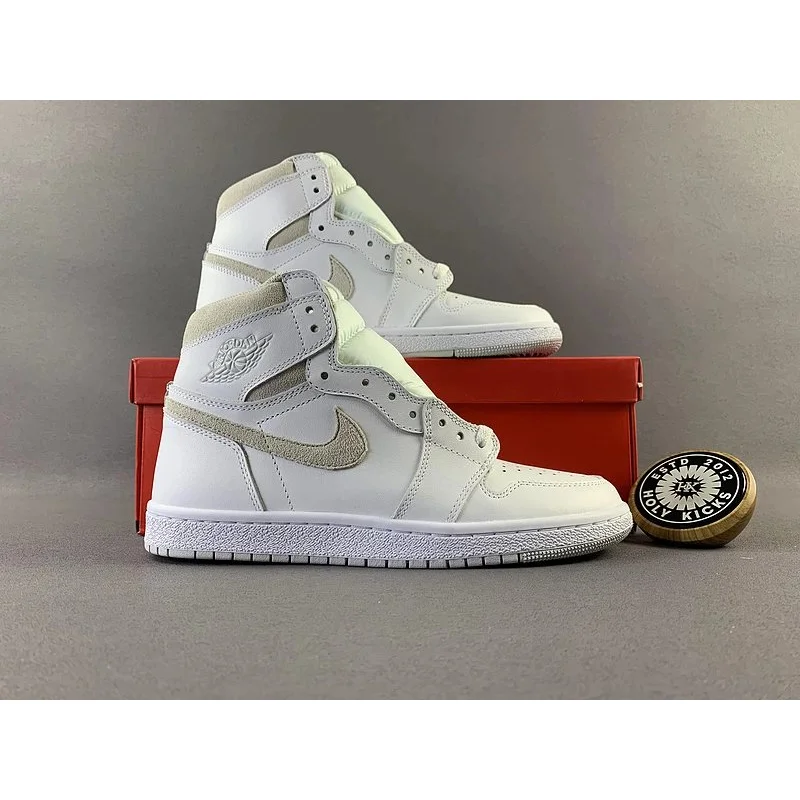
Air Jordan 1 High Sail Sneakers
A light high-top to wear with darker denim on dry days.
$55.69USD estimate · CNY ¥401Recorded
View Product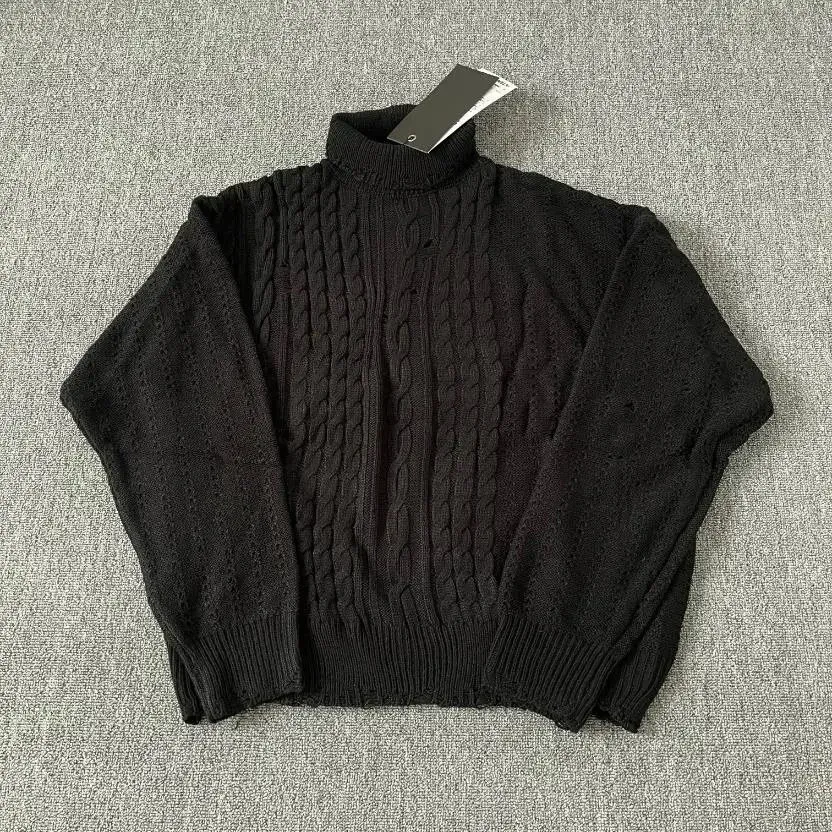
Black Cable-Knit Turtleneck
Check the collar height and chest width.
$19.72USD estimate · CNY ¥142Recorded
View Product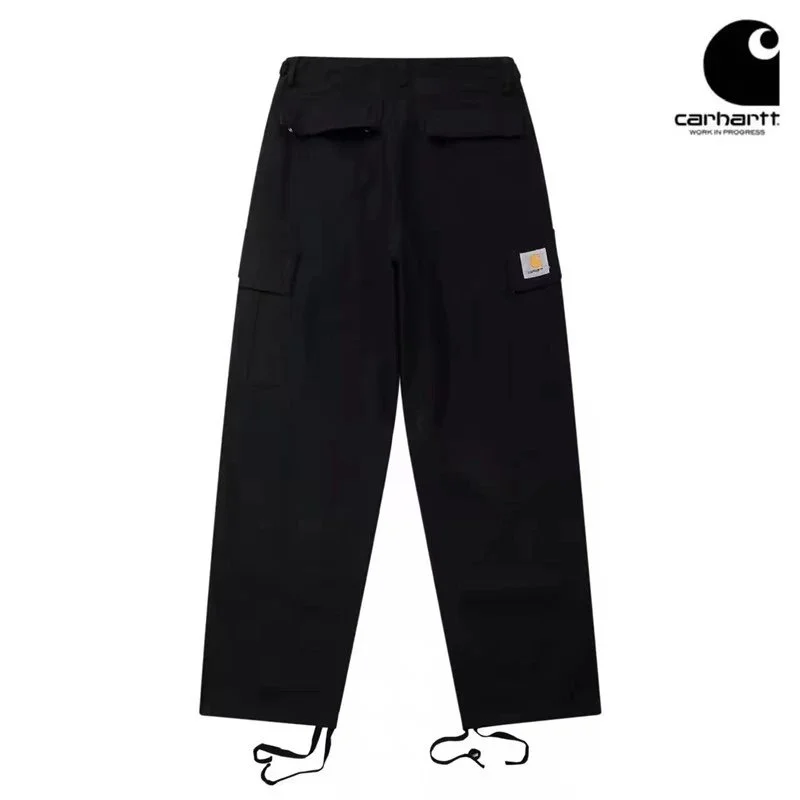
Carhartt WIP Detroit Black Cargo Pants
Compare the thigh width and opening over your boots.
$25.97USD estimate · CNY ¥187Recorded
View Product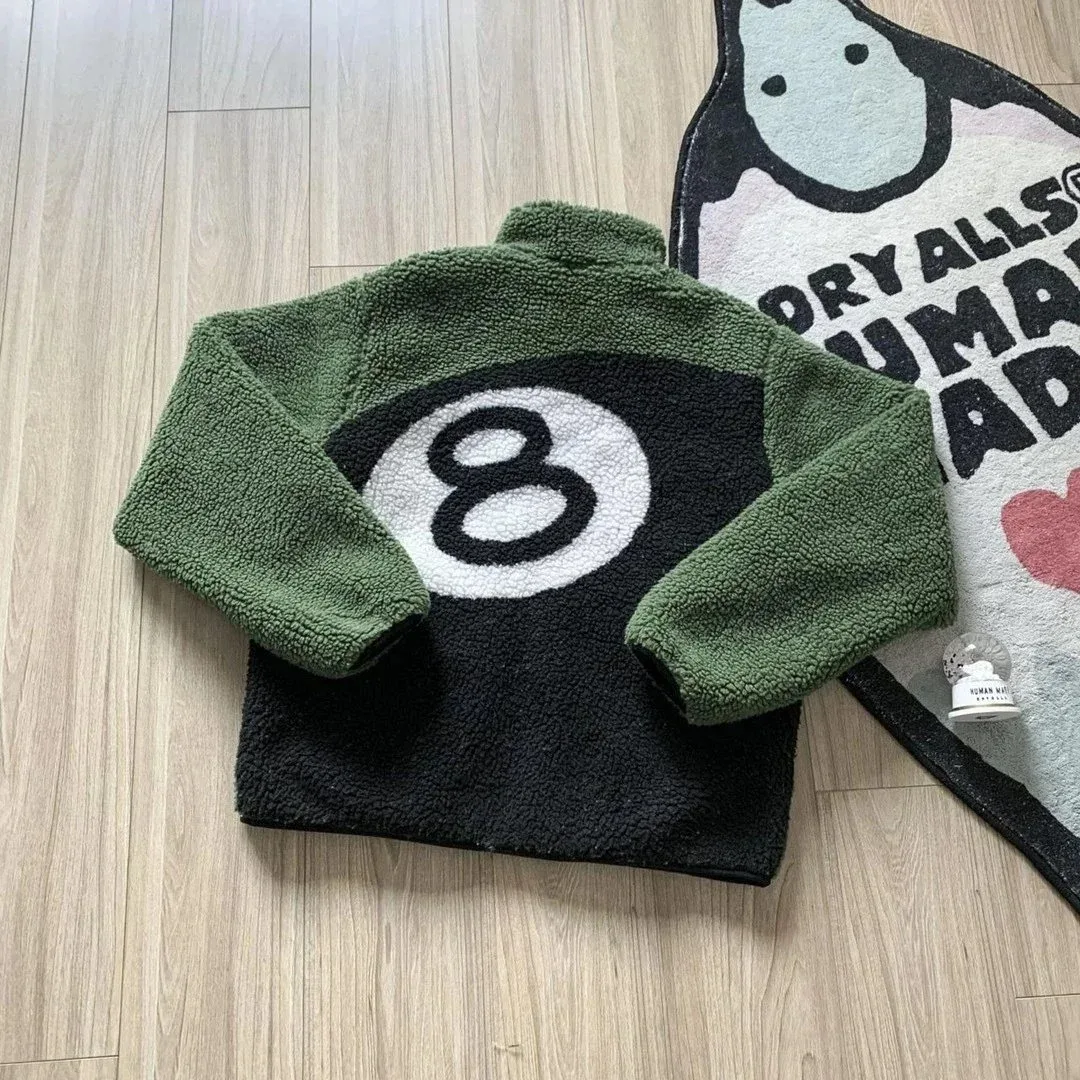
Stüssy 8-Ball Green Sherpa Jacket
Review front and back photos for the sherpa finish.
$54.72USD estimate · CNY ¥394Recorded
View Product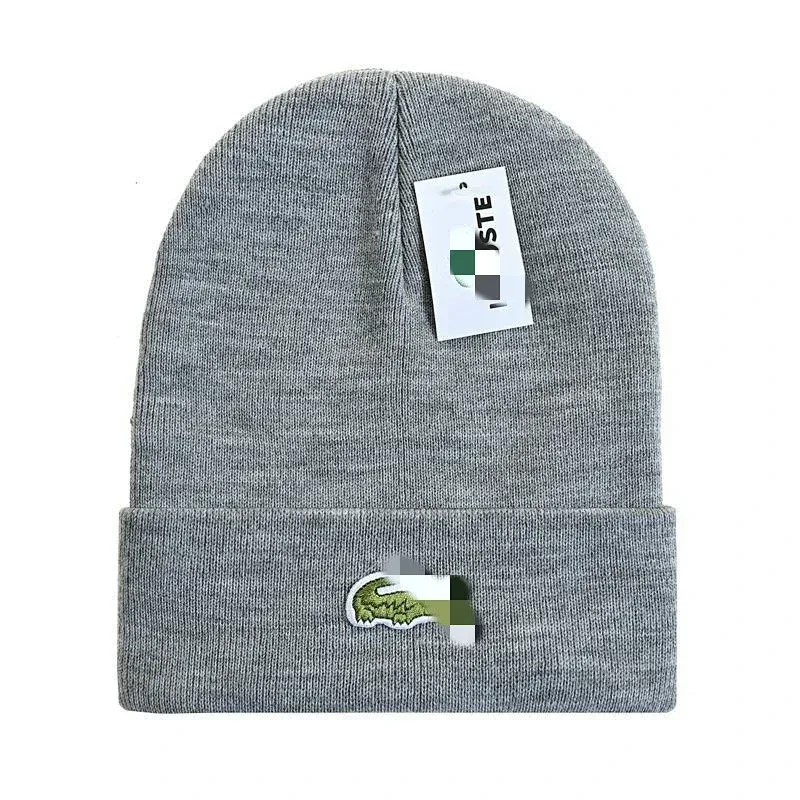
Lacoste Light Grey Knit Beanie
Compare the crown depth for the amount of ear coverage you want.
$17.92USD estimate · CNY ¥129Recorded
View Product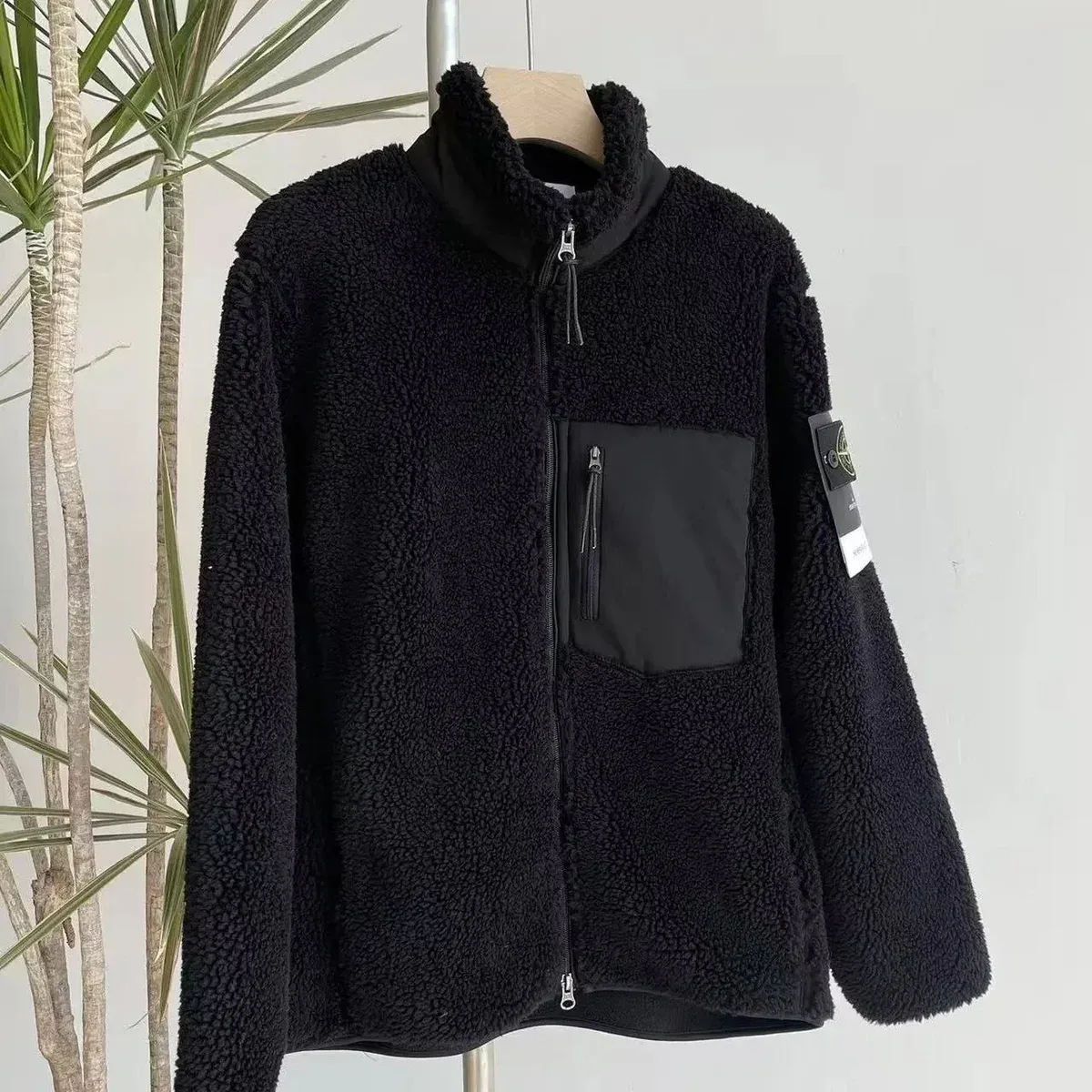
Stone Island Black Fleece Jacket
A dark fleece to wear alone or beneath a parka.
$36.67USD estimate · CNY ¥264Recorded
View Product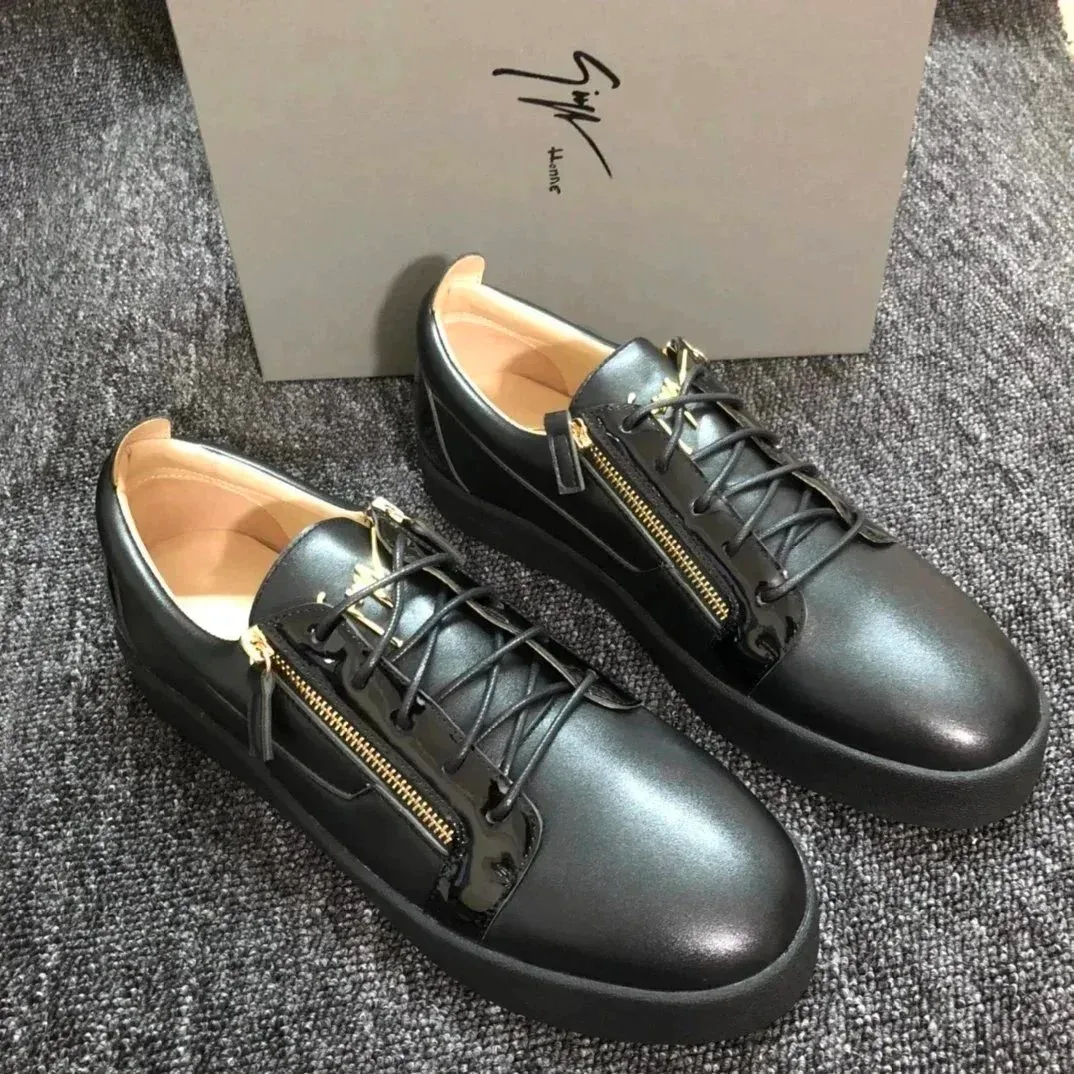
Y-3 Black Leather Sneakers
An all-black option for dry-weather outfits.
$60.00USD estimate · CNY ¥432Recorded
View Product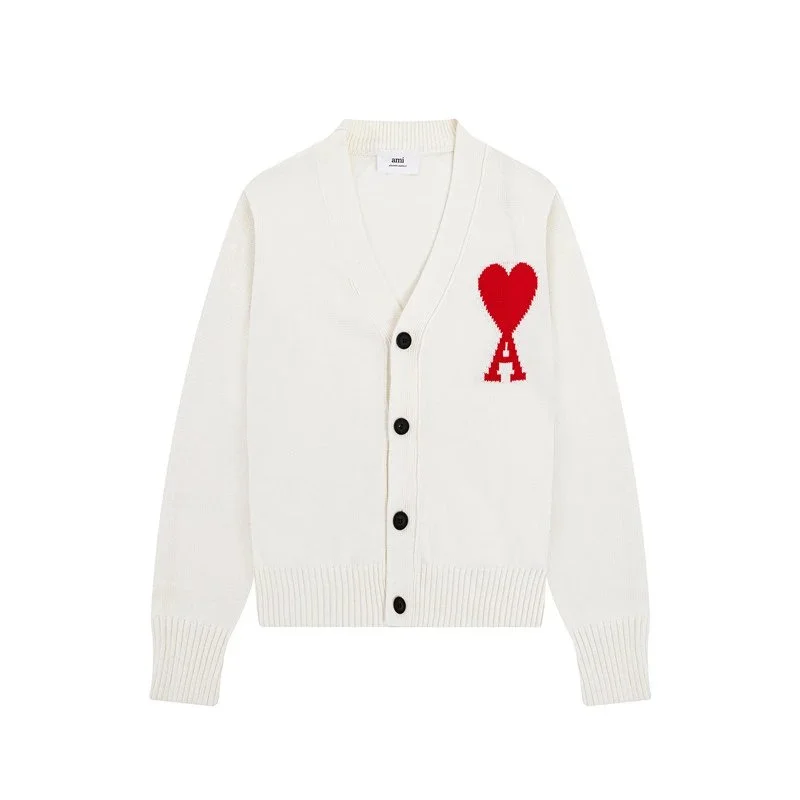
AMI de Cœur White Heart-Logo Cardigan
Check the buttoned chest width for wearing over a shirt.
$35.28USD estimate · CNY ¥254Recorded
View Product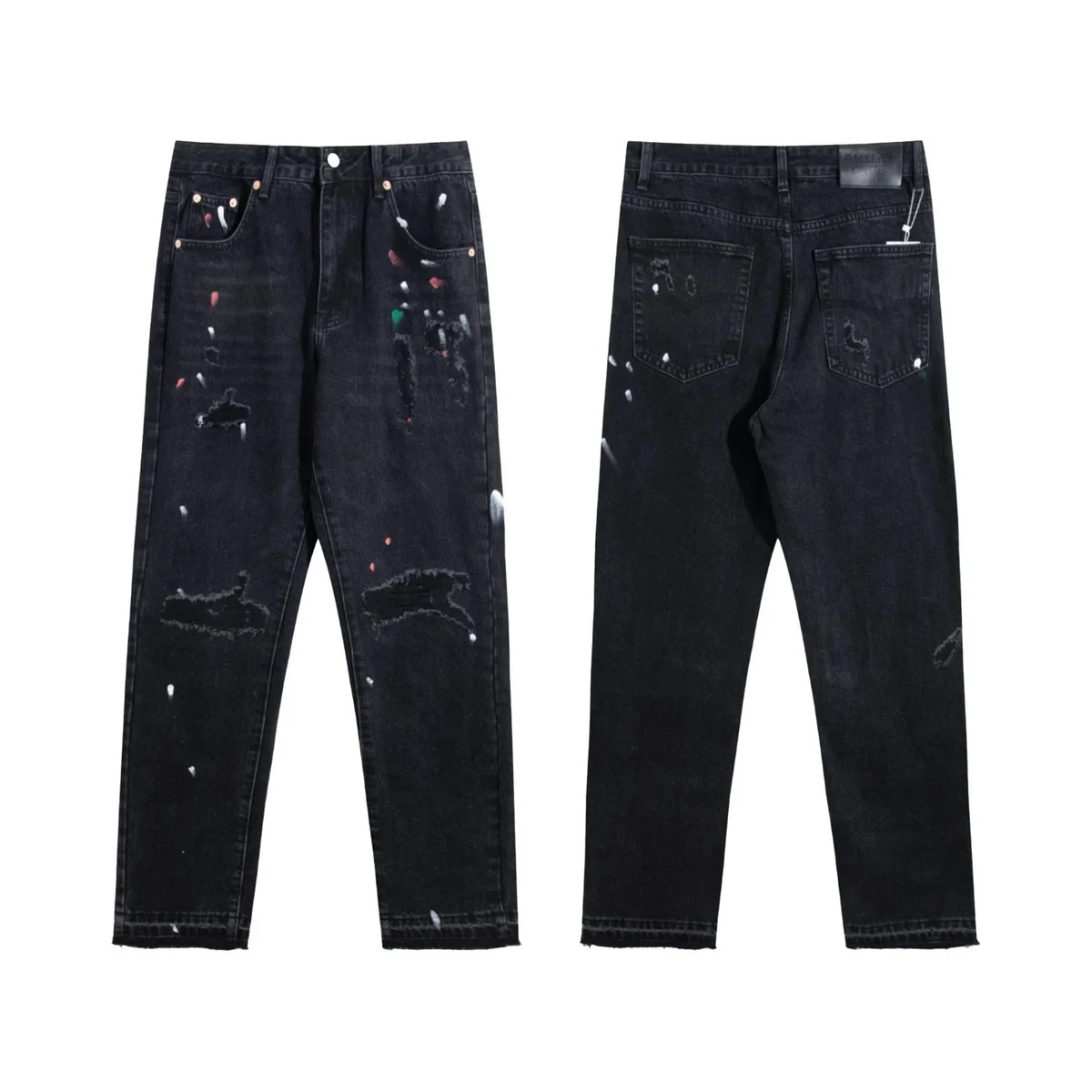
Levi’s 501 Washed Black Paint-Splatter Jeans
Compare the rise and leg opening with your usual jeans.
$22.92USD estimate · CNY ¥165Recorded
View Product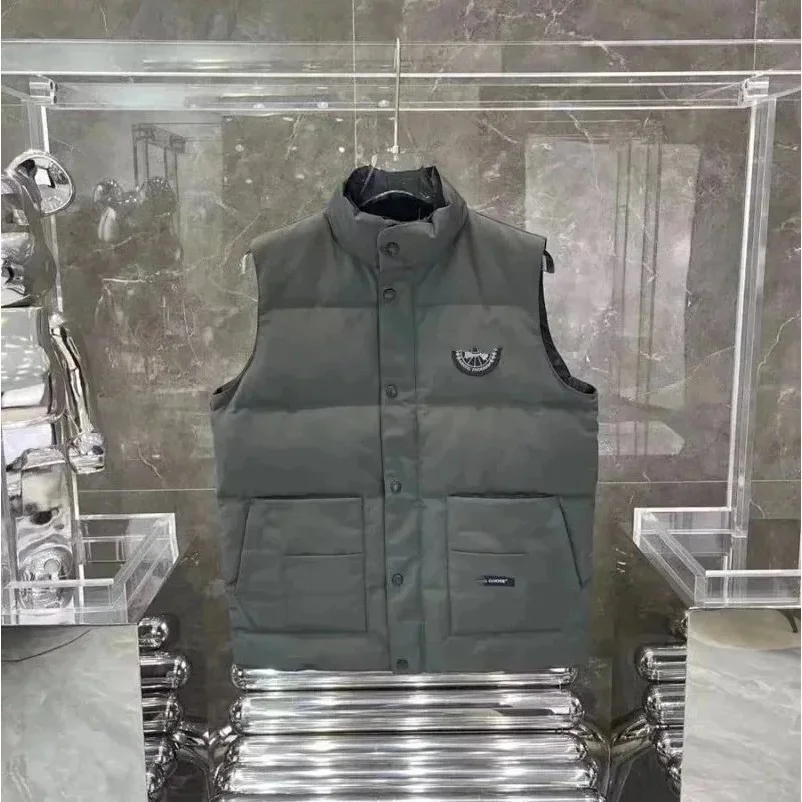
Cav Empt Grey/Black Puffer Vest
Check the armhole width if you plan to layer over fleece.
$49.72USD estimate · CNY ¥358Recorded
View Product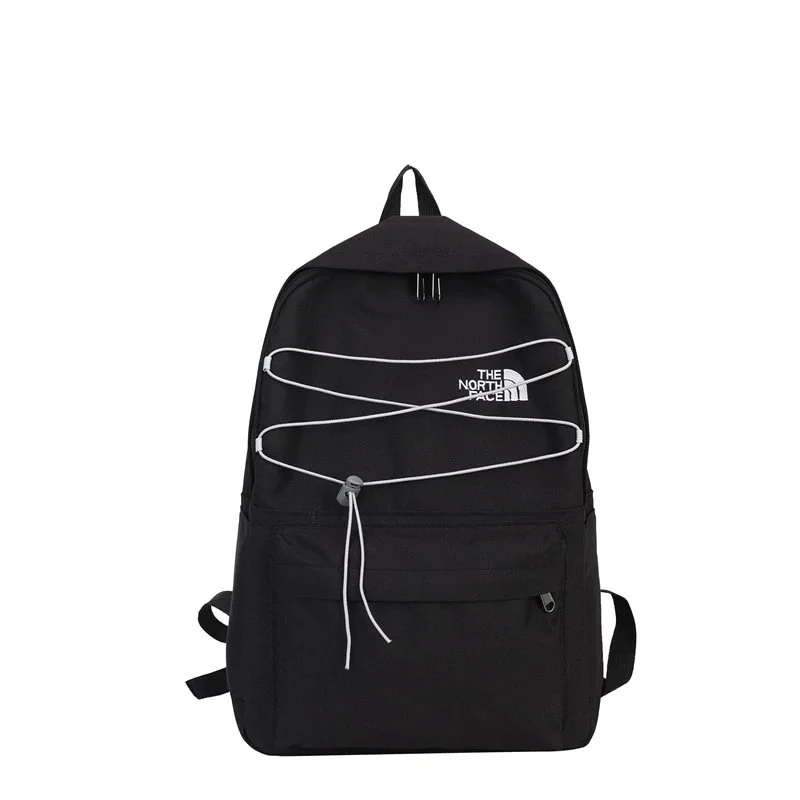
The North Face Black/White Cord Backpack
Check the opening and internal size for your daily carry.
$13.61USD estimate · CNY ¥98Recorded
View Product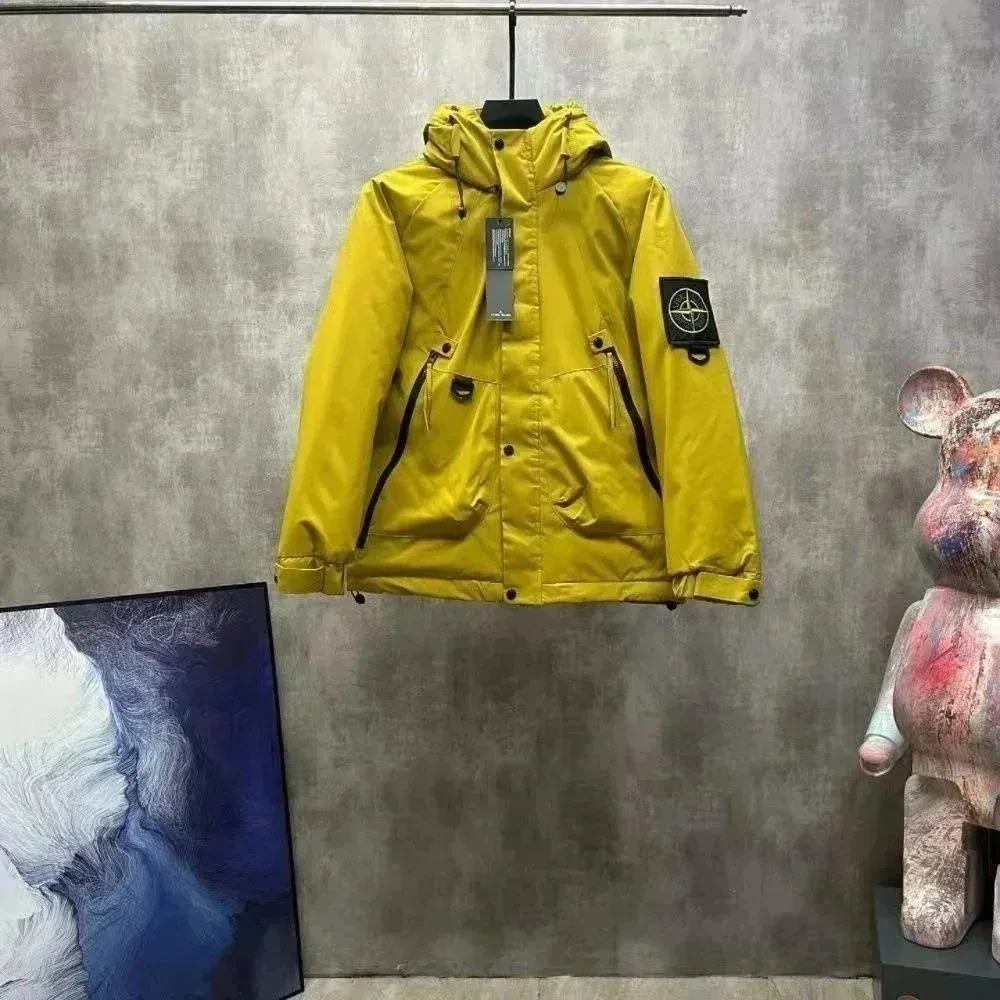
Stone Island Lemon Yellow Hooded Parka
A brighter outer layer to pair with dark trousers.
$41.94USD estimate · CNY ¥302Recorded
View Product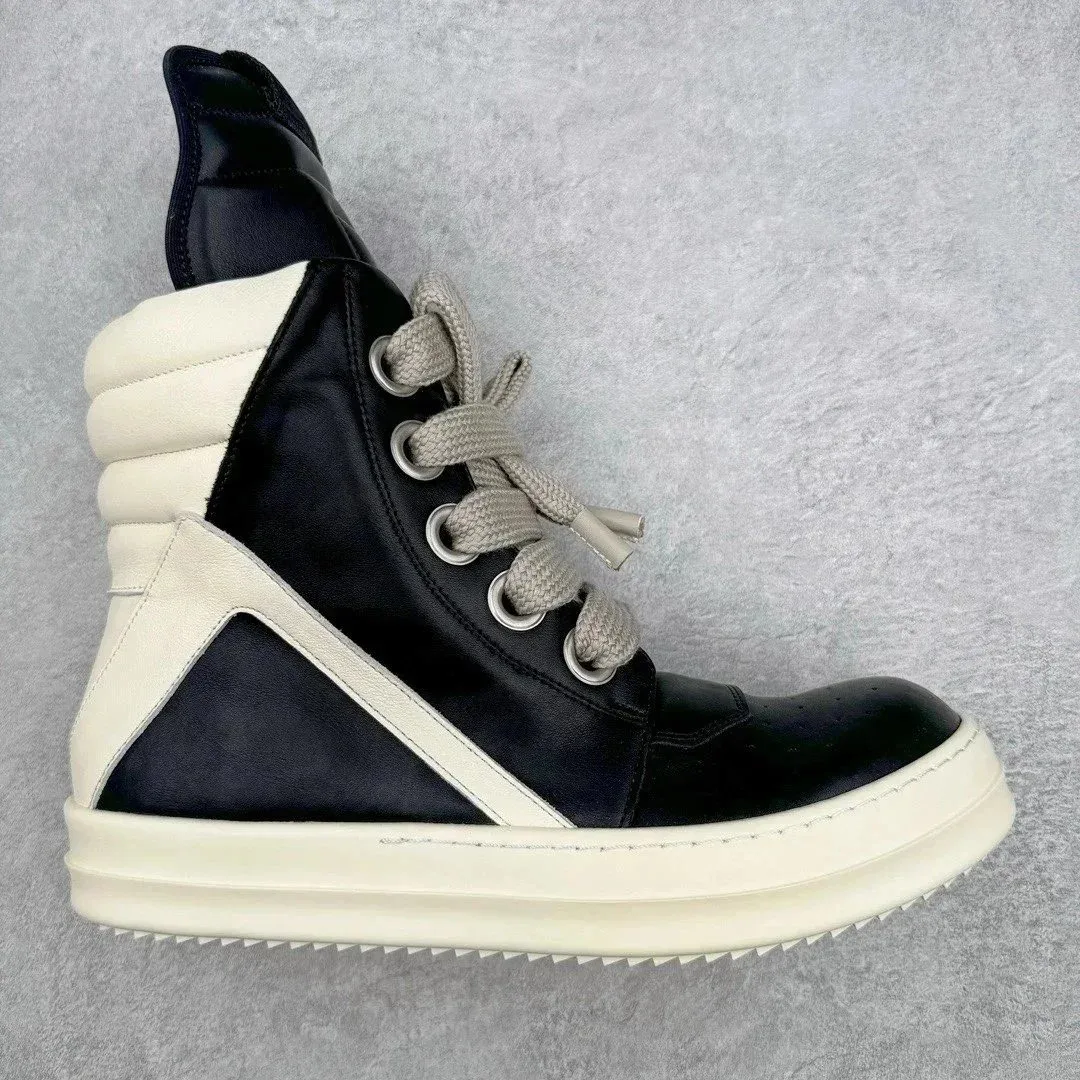
Rick Owens Geobasket Black/White High-Tops
Check collar height and insole length before choosing a size.
$116.67USD estimate · CNY ¥840Recorded
View Product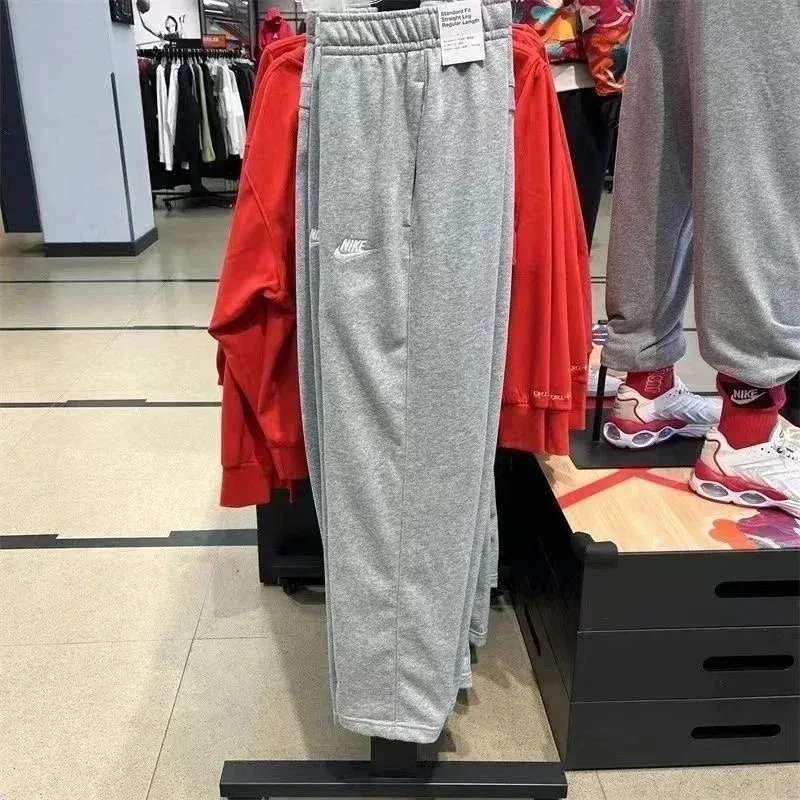
Nike Club Fleece Heather Grey Sweatpants
Compare the inseam and cuff fit with your preferred pair.
$46.25USD estimate · CNY ¥333Recorded
View Product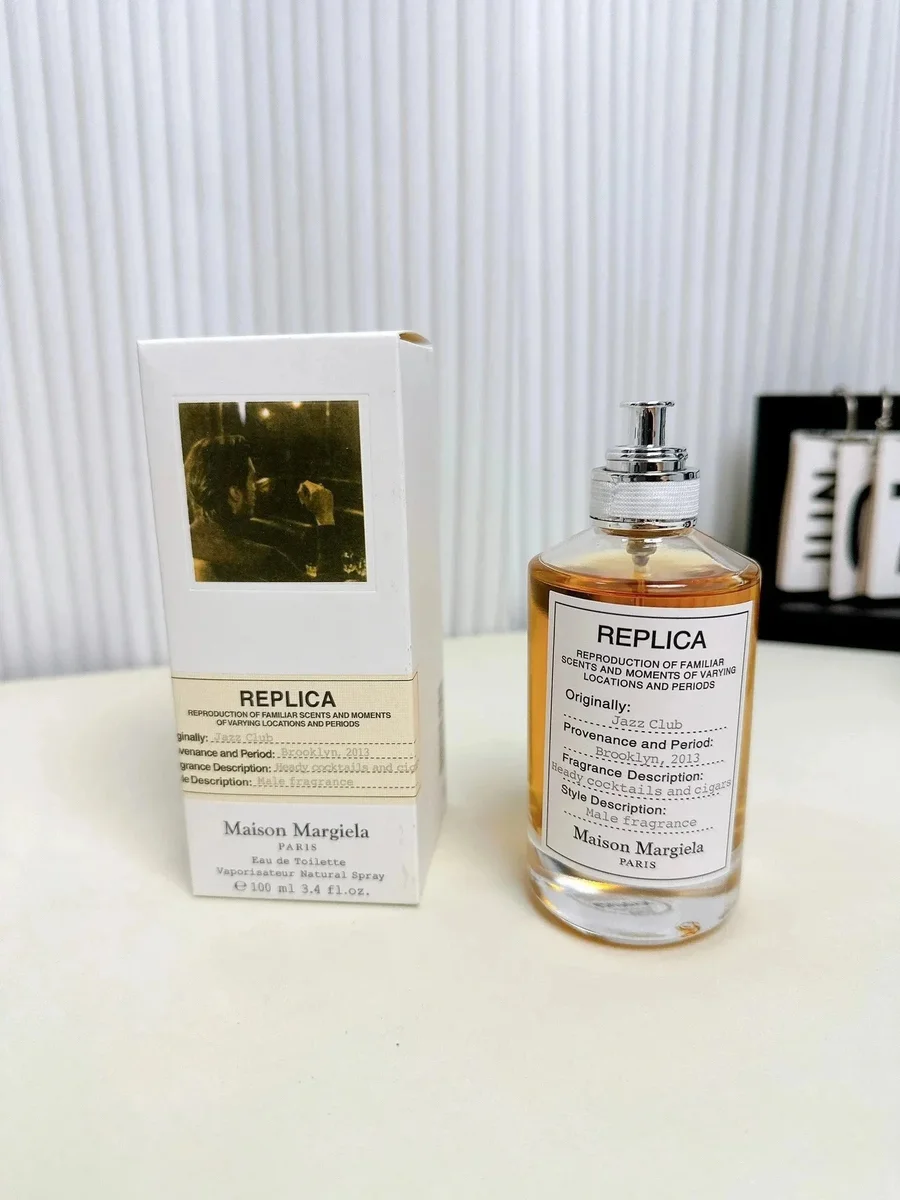
Maison Margiela REPLICA Jazz Club EDT
Confirm the bottle size and shipping options.
$18.33USD estimate · CNY ¥132Recorded
View Product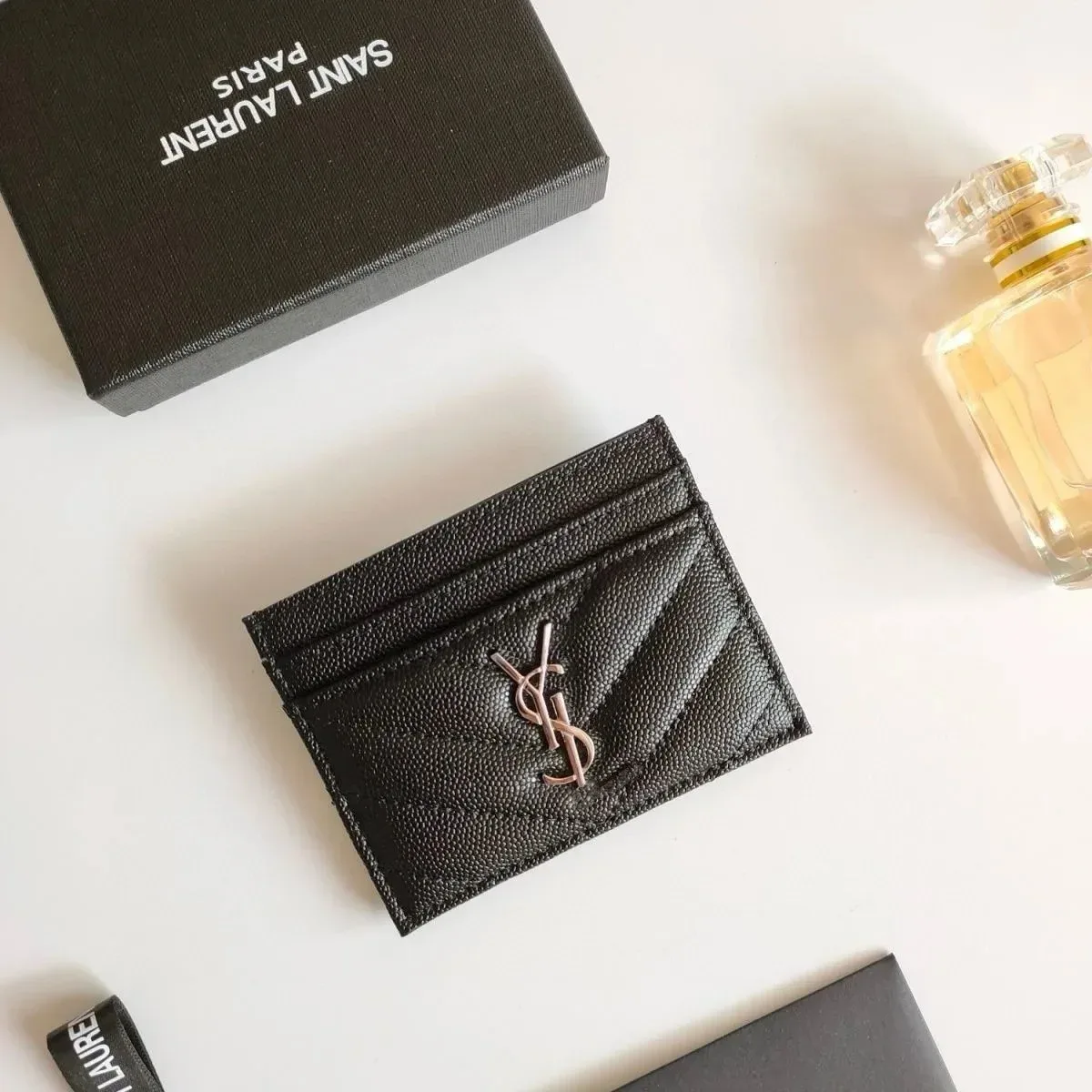
Saint Laurent Black Monogram Card Holder
Check how many card slots the selected version has.
$11.25USD estimate · CNY ¥81Recorded
View Product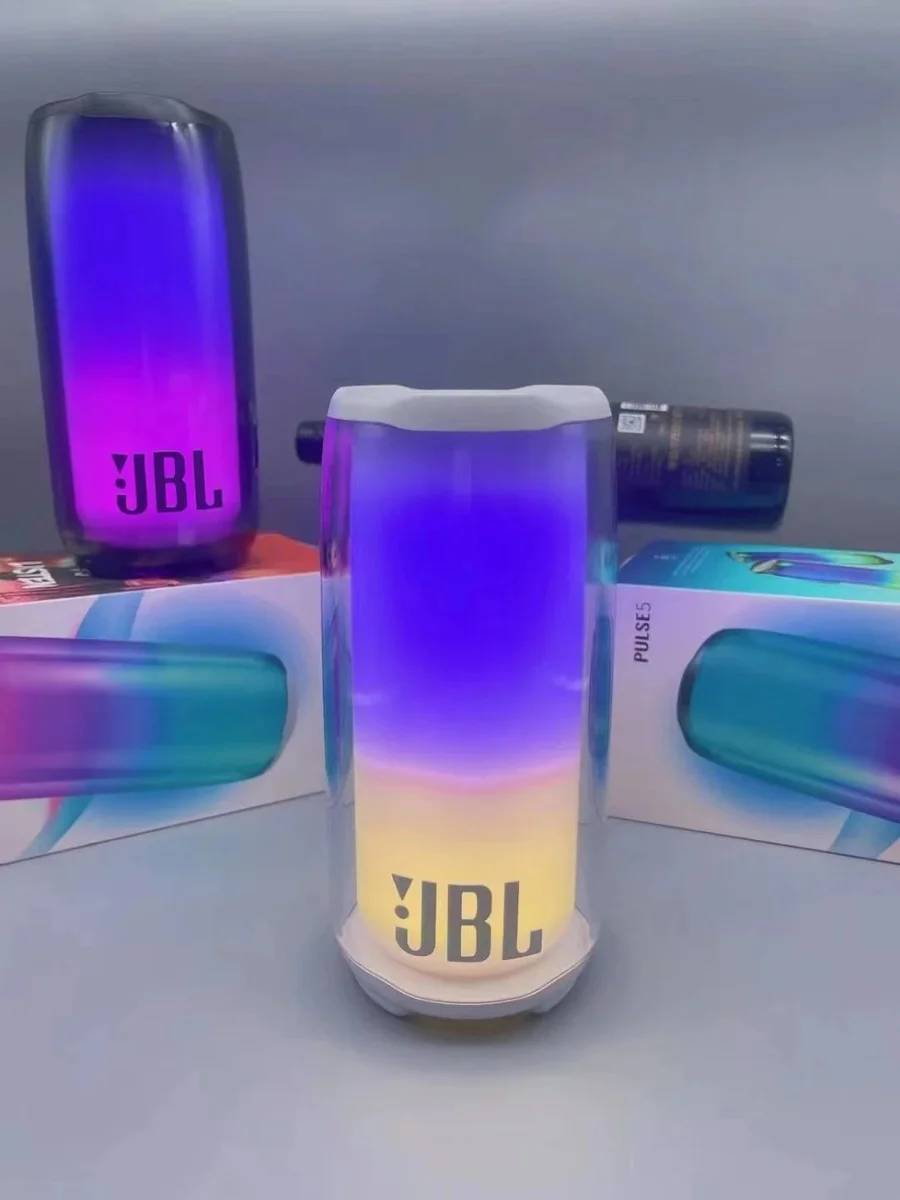
JBL Pulse 5 White Portable Speaker
Check the model and the accessories included in the listing.
$33.33USD estimate · CNY ¥240Recorded
View Product
ZentBuy Spreadsheet Buying Guides
ZentBuy Order Cost Calculator
Add the item subtotal, shipping quotes and other quoted fees in one currency. Check which fees are already included before entering them.
Request an Extra Warehouse QC Photo
Need to see a measurement, size tag or hard-to-see seam? Use a message template to ask for the exact photo you need before shipping.
Combine Orders or Ship Separately?
Compare two parcel plans using their quotes, packing fees and delivery windows. A worked example shows how to add up the costs of each plan.
What is ZentBuy?
ZentBuy is a shopping agent for orders from Chinese marketplaces. It can receive items at its warehouse, provide photos for you to review, and ship eligible orders together. Start with a find from the spreadsheet and open its listing to see which buying options are available for that item.
Read the ZentBuy Spreadsheet guideZentBuy Spreadsheet FAQ
How do I use the ZentBuy Spreadsheet?
Browse a category or search for a brand or model. Use View Product to open the matching listing, then check the size, color and buying options for that item. See the step-by-step guide.
Do the prices on the spreadsheet include shipping?
The USD estimate and CNY reference price cover the item. Check the current price for your chosen option and any delivery charge within China. International shipping is quoted when you prepare a parcel. Add up your order costs.
What if my size is sold out or the product link stops working?
Search the product name or model in the top search box. If you find another listing, confirm the color, size chart and price for that listing before ordering. Check availability before paying.
When can I check warehouse QC photos?
If you buy through ZentBuy, review QC photos for your order after the item arrives at the warehouse. Compare the photos with the color and size you selected before shipping. See what to check in QC photos.
Can I ship items from several orders together?
ZentBuy lets you combine eligible items into one parcel. Check the warehouse deadline for each item before waiting on a separate order, then compare quotes for the packed parcel. Read the packing and shipping steps.
How do I compare shipping costs and delivery times?
Compare quotes for the same destination, packed weight and box size. Look at the total, what it includes and each route’s estimated delivery window. See how to compare shipping quotes.
From the ZentBuy Spreadsheet Blog
- Checkout
Compare Exchange Rates Before Paying for an Order
Work out the effective exchange rate and identify which charge changed between the spreadsheet and checkout.
- Sizing
Read a Clothing Size Chart Before Ordering
Tell body measurements from garment measurements, compare widths correctly, and decide which numbers matter for fit.
- Tracking
Parcel Tracking Says “Label Created.” What Now?
Check whether the international carrier has scanned your parcel and know what to send support if tracking stalls.